How to Restore Trashed Slides
When you trash a slide, MetaSlider keeps it in the trash for 30 days, so you can bring it back to your slideshow if you change your mind.
How to Restore Trashed Slides
Your trashed slides have their own list. The 'Trashed Slides' section only appears when the slideshow has slides in the trash.
-
Open the slideshow, then look for 'Trashed Slides' at the bottom of the settings panel on the right and click it to expand.

-
Click 'View trashed slides'. The number next to it shows how many slides are in the trash.

-
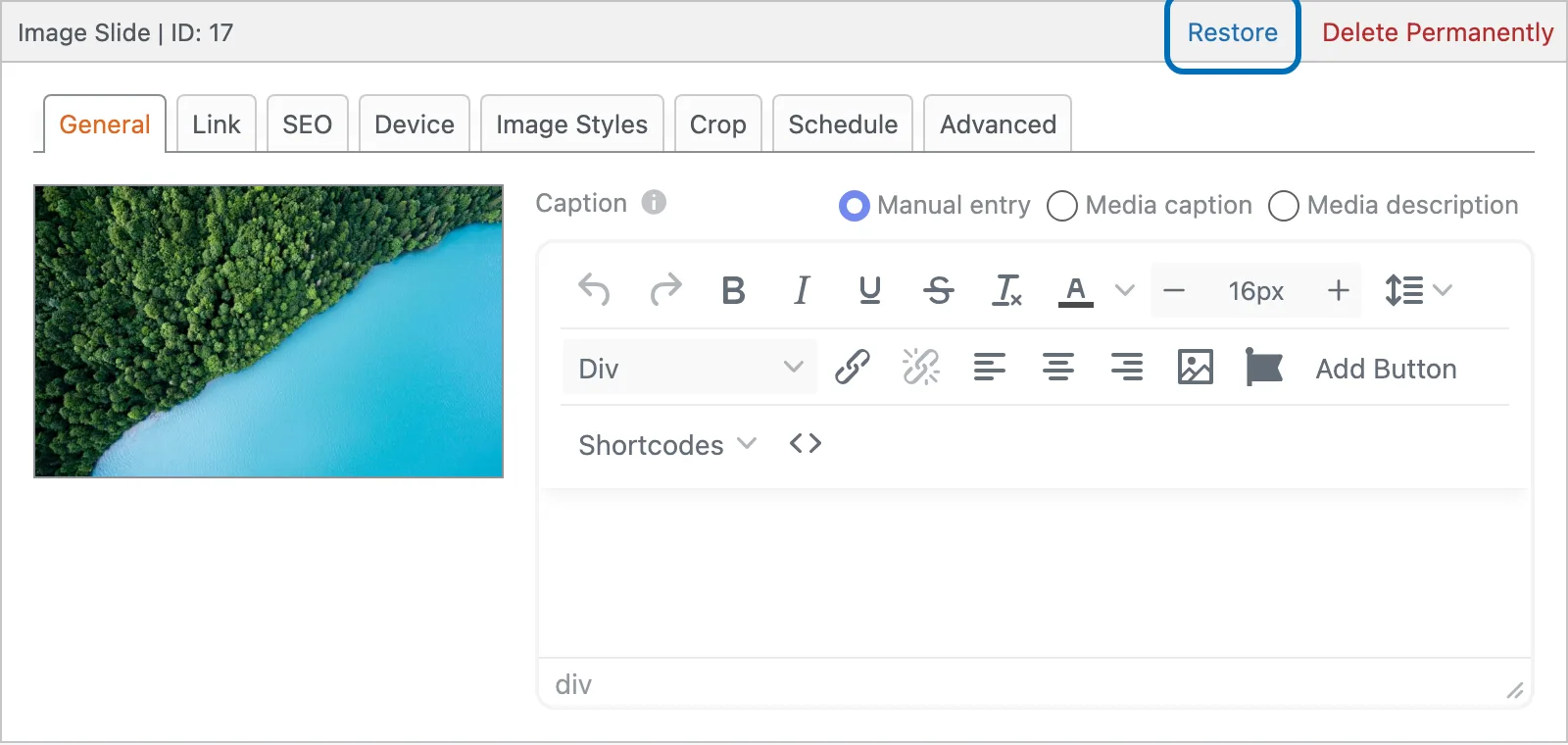
Find the slide you want and click 'Restore' under its name. If you want to remove a slide for good instead, click 'Delete Permanently'.
-
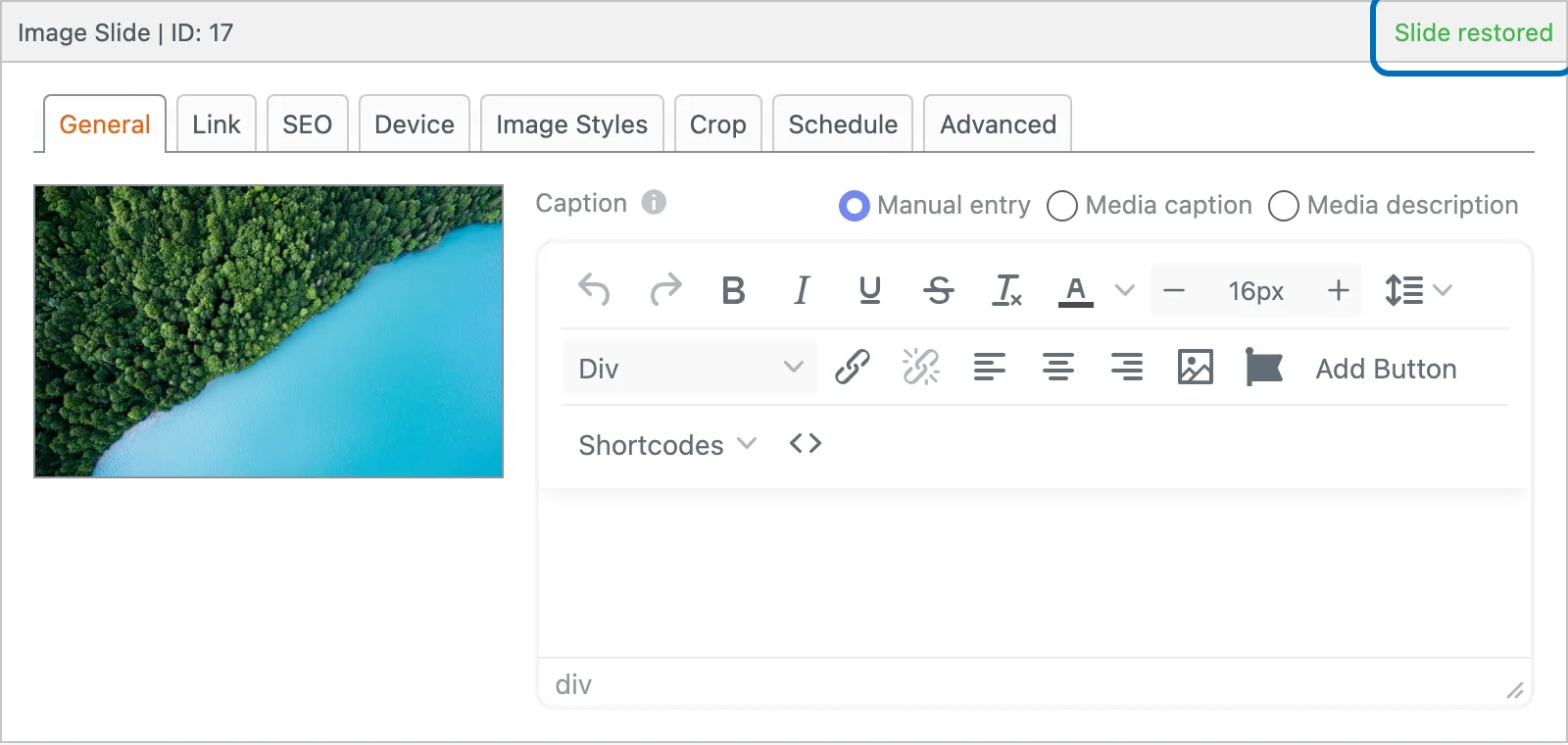
A 'Slide restored' message appears on the slide once it's back in your slideshow.
-
Click 'Return to Published Slides' to go back to the slideshow editor.

Your restored slides are back in your slideshow, with all their settings.